

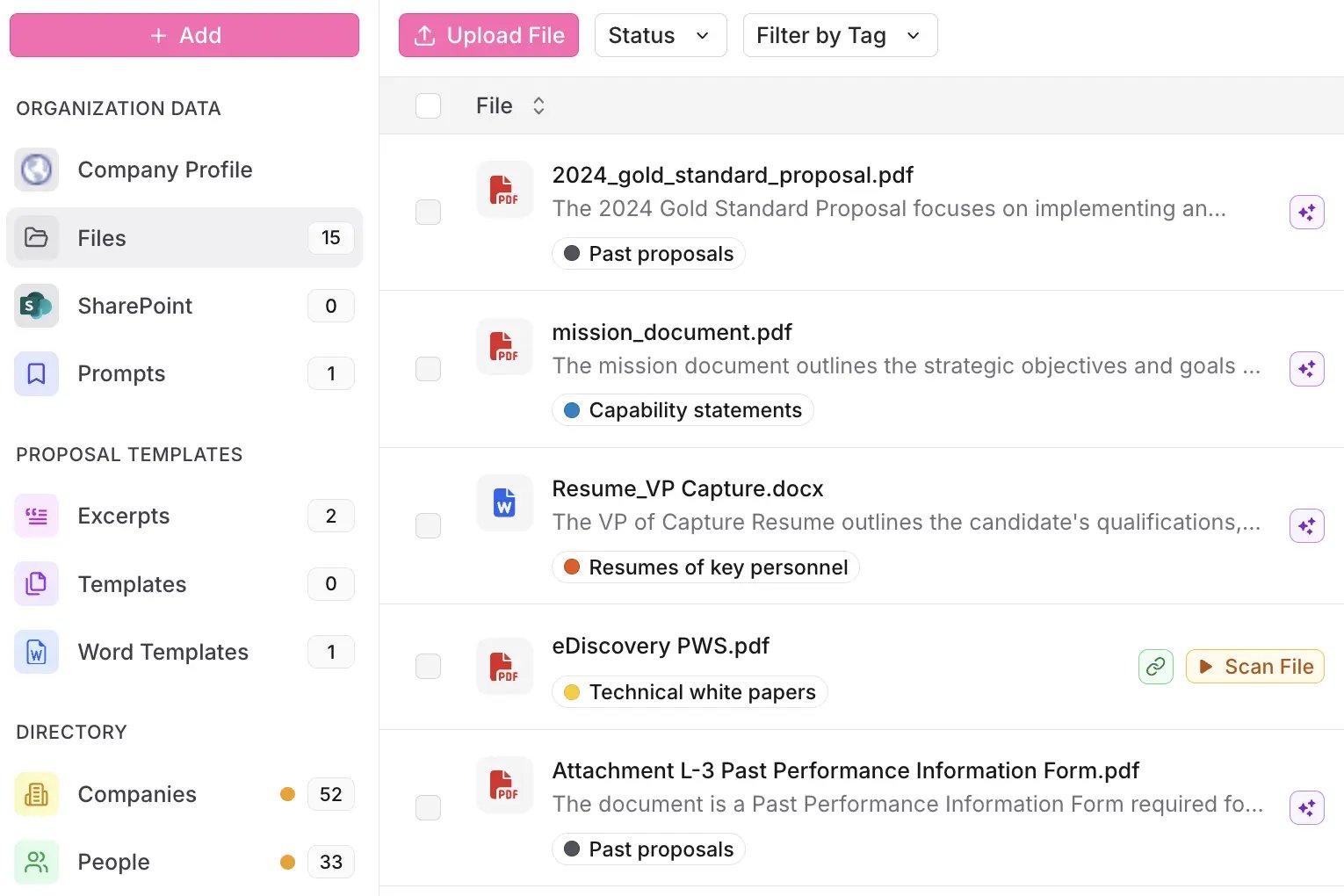
Organization Data
Company Profile
A profile of your organization: what you do, your differentiators, certifications, and past performance themes. Generate it from your uploaded documents, then edit it. The AI includes it as context in every conversation.Files
The document repository, and the foundation everything else builds on:- Upload by drag and drop, and organize with folders and tags. Create subfolders to help the AI narrow down when searching: “search the Past Performance folder” beats searching everything. Any structure works if you keep folders small and specific; see the Example Library Setup.
- What to include: past proposals, capability statements, key personnel resumes, past performance writeups and CPARS, pricing sheets, and approved boilerplate.
- Files feed the AI. Capture briefs, capability scoring, and proposal drafts all pull from what’s here: the more complete your Files, the better every output.
SharePoint
If your documents live in SharePoint, connect the Microsoft 365 integration and browse your SharePoint files directly from Library → SharePoint instead of re-uploading them.AI Context
Playbooks
Saved AI instructions, shareable across the team, applied in any chat with one click. See Playbooks.Memories
Durable preferences and conventions the AI recalls in every future session: proposal voice, formatting rules, approved terminology, and stable facts about your organization. See Memories.Proposal Templates
- Excerpts: reusable blocks of text for proposals: boilerplate, corporate overviews, win themes, and management approaches you use again and again.
- Word Templates: branded .docx style templates applied when exporting to Word: your fonts, headers, footers, and table of contents.
Directory
Companies
Your directory of primes, subs, teaming partners, and competitors, with UEI and CAGE identifiers, relationship types, and interaction history. Link companies to the pursuits they’re involved in. See Companies & Contacts for the full CRM.People
One trusted source for the people behind your proposals and relationships:- Two kinds of records: internal team members and external contacts, each with name, title, and contact details, plus preferred names and aliases.
- Resumes and credentials: attach an existing resume or upload a new one; track bios, certifications, and clearance status. When drafting, the AI matches personnel to solicitation requirements from these records.
- Relationship context: associate a person with a company or agency, and track prioritization, recent outreach, and tags for external contacts.
- Bulk import and cleanup: import people from an Excel file, and merge duplicates when they appear.
Keeping it current
- Set up the right folders first. Small, specific folders beat mega-folders; see the Example Library Setup for the rule and a proven example layout.
- Start with the essentials. Your last 5 to 10 winning proposals, current capability statement, and key personnel resumes cover most drafting needs.
- Keep the latest version in the Library. When a capability statement, resume, or rate card changes, make sure the Library copy is the current one, so the AI is always drafting from today’s content, not last year’s.
- Add submitted proposals back in. After each submission, add the final volumes to the Library so the next pursuit can draw on your most recent work, wins and losses alike.