> ## Documentation Index
> Fetch the complete documentation index at: https://docs.sweetspotgov.com/llms.txt
> Use this file to discover all available pages before exploring further.
# Profile
> Manage your Sweetspot profile settings
## Overview
Manage basic organization information with Profile. The documents, files, and information shared in profile helps optimize your search queries and ensure that you have a seemless expereince with all of Sweetspot's AI powered search and proposal writing functionality.
### Basic Information
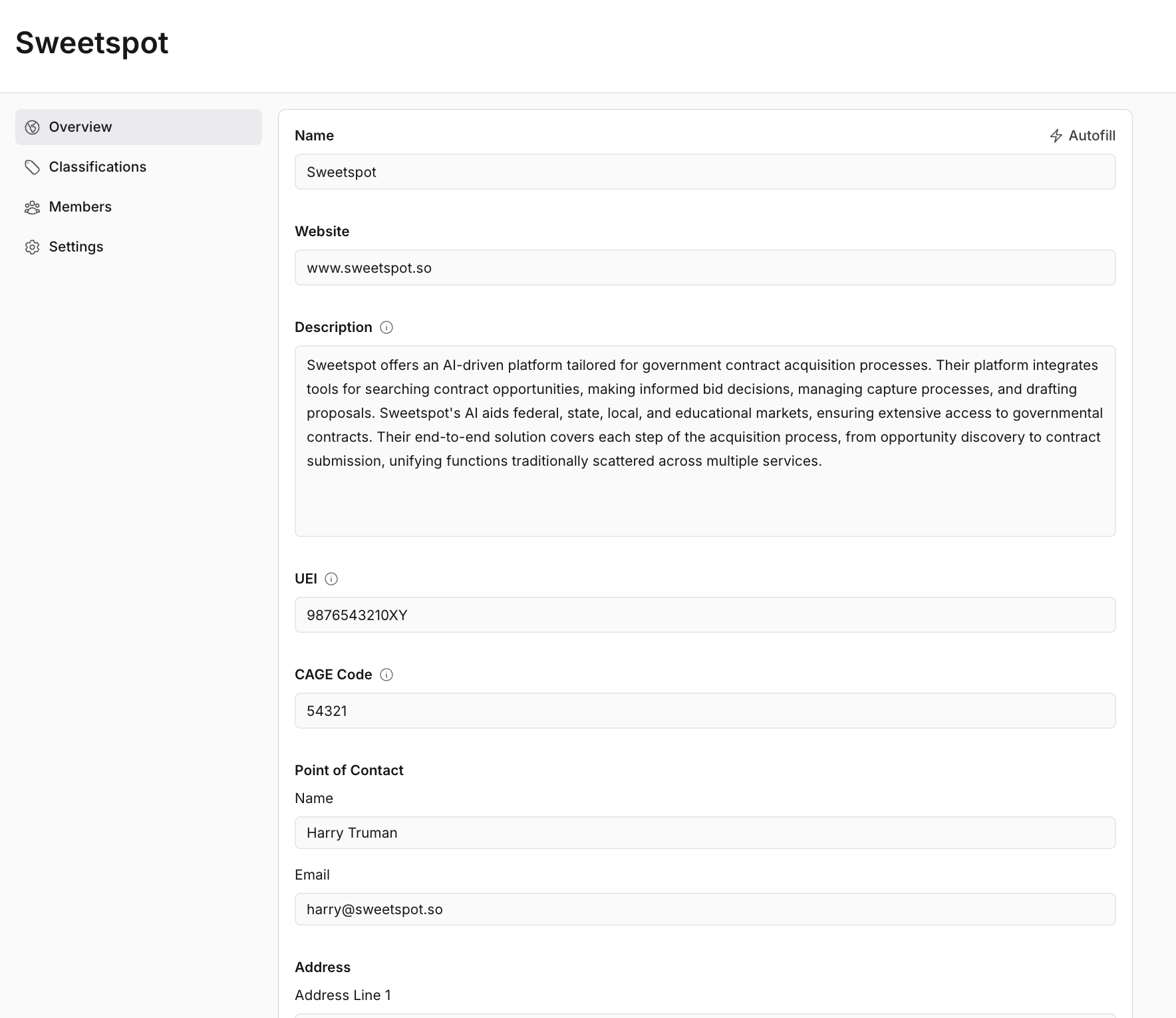
Set up the basic details of your organization:
* **Name**: `Sweetspot`
* **Description**: Provide a brief description of your organization's activities and goals. Sweetspot AI will use this across the entire Sweetspot platform to tailor your experience specifically to your organization's needs.
* **Unique Entity ID (UEI)**: `1234567890AB`
* **Commercial and Government Entity (CAGE) Code**: `12345`
### Contact Information
Keep your point of contact information current:
* **Name**: `John Doe`
* **Email**: `johndoe@email.com`
* **Address**:
* `123 Main Street`
* `Floor 42`
* `New York, NY 10001`
 ### Classifications
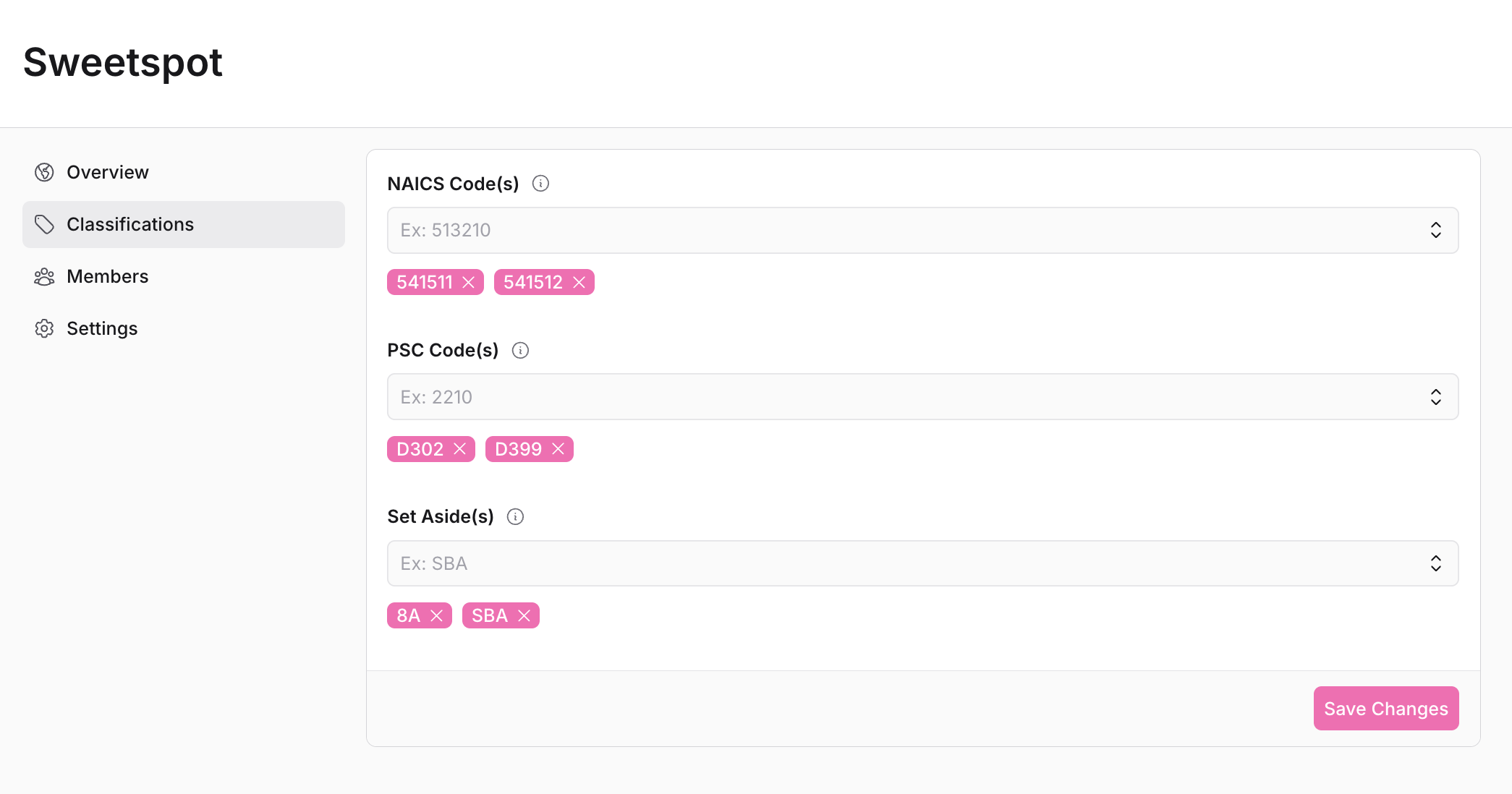
Manage important classification codes:
* **NAICS Code(s)**: Enter the North American Industry Classification System codes your organization targets.
* **PSC Code(s)**: Enter the Product Service Codes related to your services.
* **Set Aside Code(s)**: Specify any small business set-aside designations (8(a), SBA, WOSB, SDVOSB, etc.).
Review classification codes periodically to match the current scope of services and maximize opportunities.
### Classifications
Manage important classification codes:
* **NAICS Code(s)**: Enter the North American Industry Classification System codes your organization targets.
* **PSC Code(s)**: Enter the Product Service Codes related to your services.
* **Set Aside Code(s)**: Specify any small business set-aside designations (8(a), SBA, WOSB, SDVOSB, etc.).
Review classification codes periodically to match the current scope of services and maximize opportunities.
 ### Team Collaboration
Manage your team members:
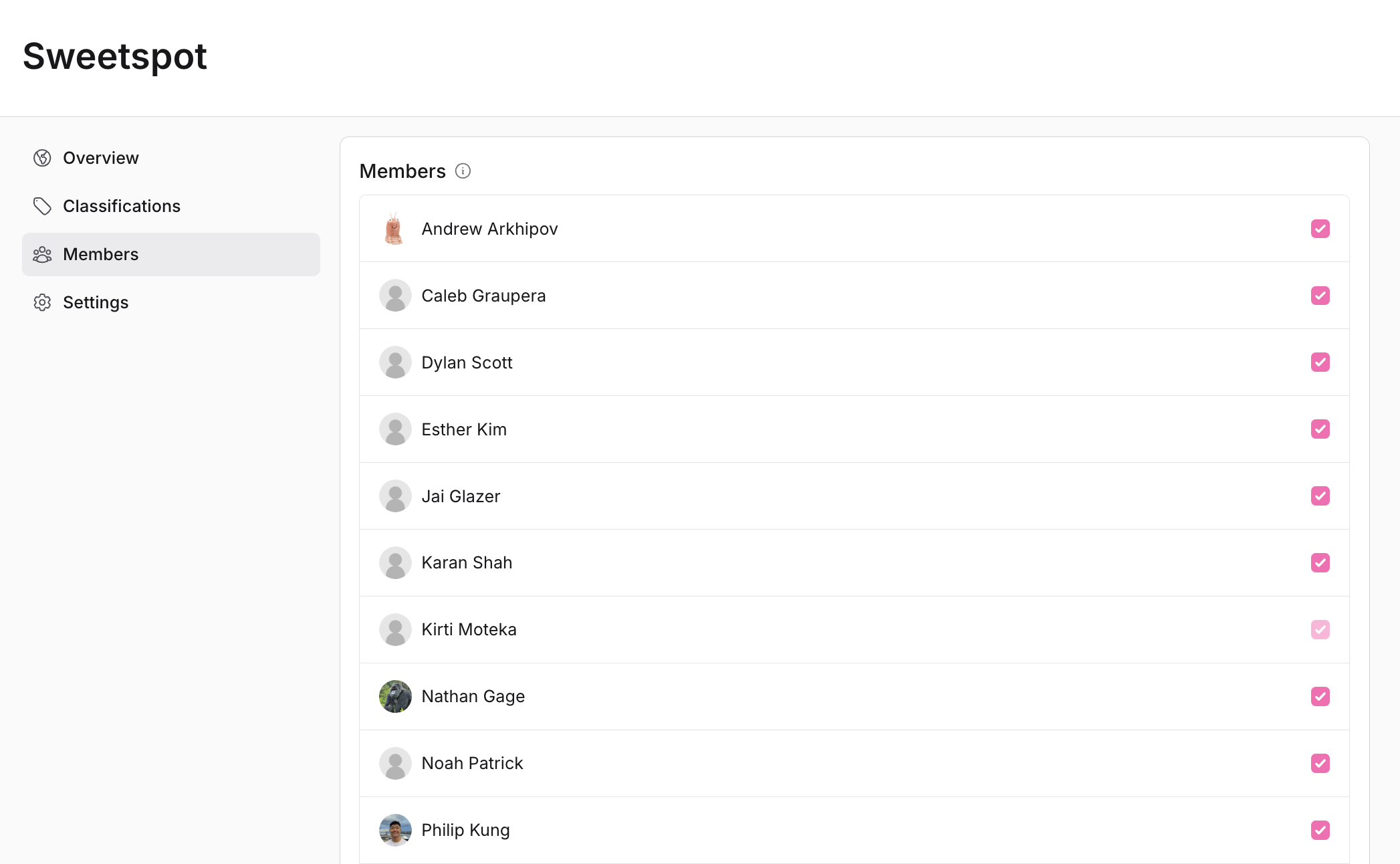
* Manage members and assign roles within the **Members** tab.
* To add new members, scroll to the bottom of the page and click on the button **Invite/Manage Members**.
### Team Collaboration
Manage your team members:
* Manage members and assign roles within the **Members** tab.
* To add new members, scroll to the bottom of the page and click on the button **Invite/Manage Members**.